December 18, 2025

min read
Quickture Vision Is *Finally* Here!
With Quickture Vision, post teams can find b-roll, add cutaways, recognize faces, and much more.
With Quickture Vision, post teams can find b-roll, add cutaways, recognize faces, and much more.
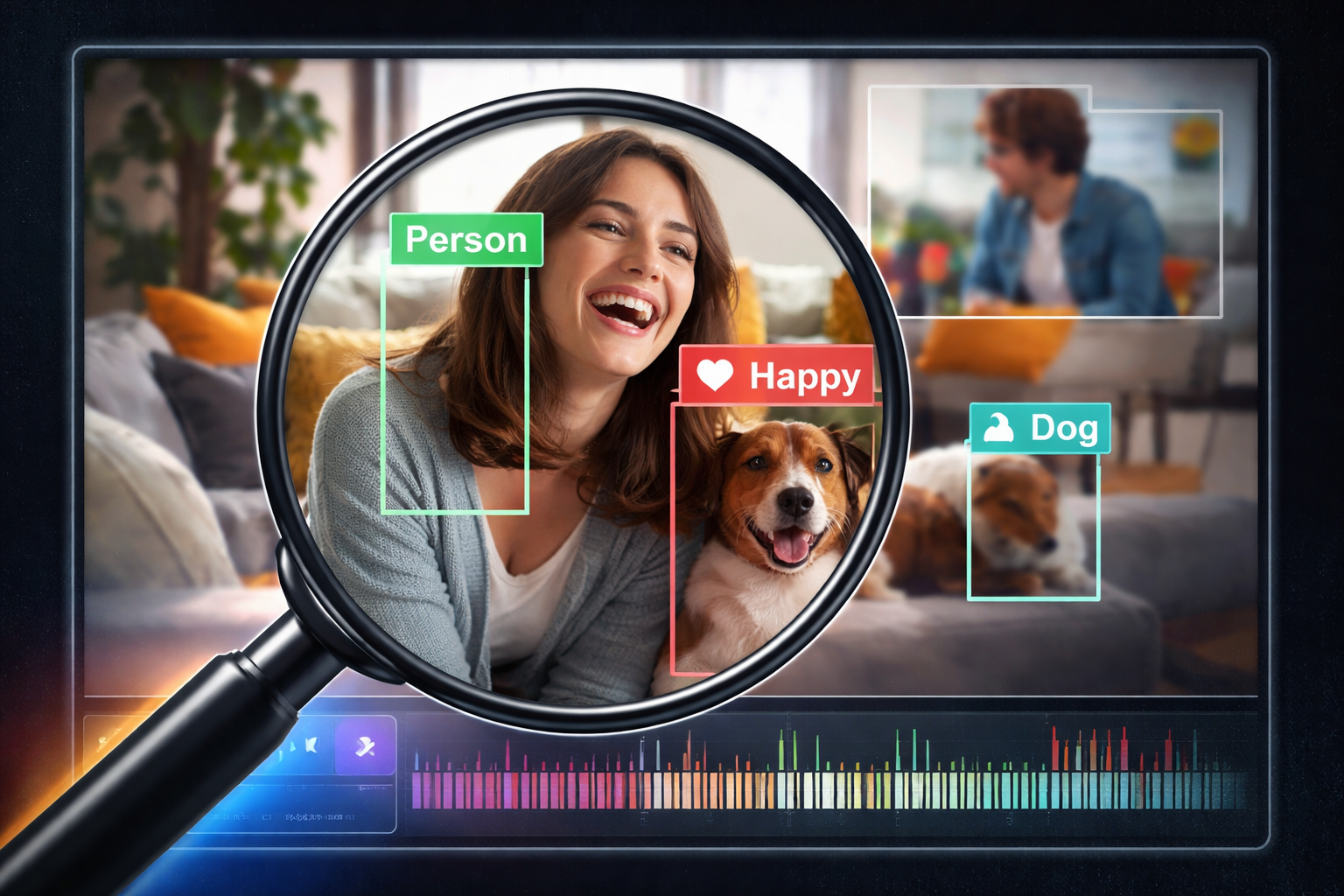
Today marks a major milestone for Quickture. Edit teams have relied on our platform to understand what is said in footage through powerful, AI driven transcripts. Starting now, Quickture can understand what is seen in the footage as well.
Quickture Vision is officially live, and it introduces two new capabilities that open an entirely new way to navigate and understand media: Visual Search and Visual Transcription.
These features bring visual intelligence directly into your workflow and give editors faster access to the moments that matter most.
Since we launched, post production teams have used Quickture to make sense of hours of interviews, scenes, and raw material by relying on automated transcripts and natural language editing. Quickture Vision expands on that foundation. By adding a visual understanding of what is happening on screen, Quickture creates a deeper and more accurate representation of your footage.
Editors can now search for moments based on what appears visually in the frame. Instead of being limited to dialogue or keywords in a transcript, Visual Search allows you to find shots, actions, people, objects, and visual elements that were previously impossible to track with text alone.
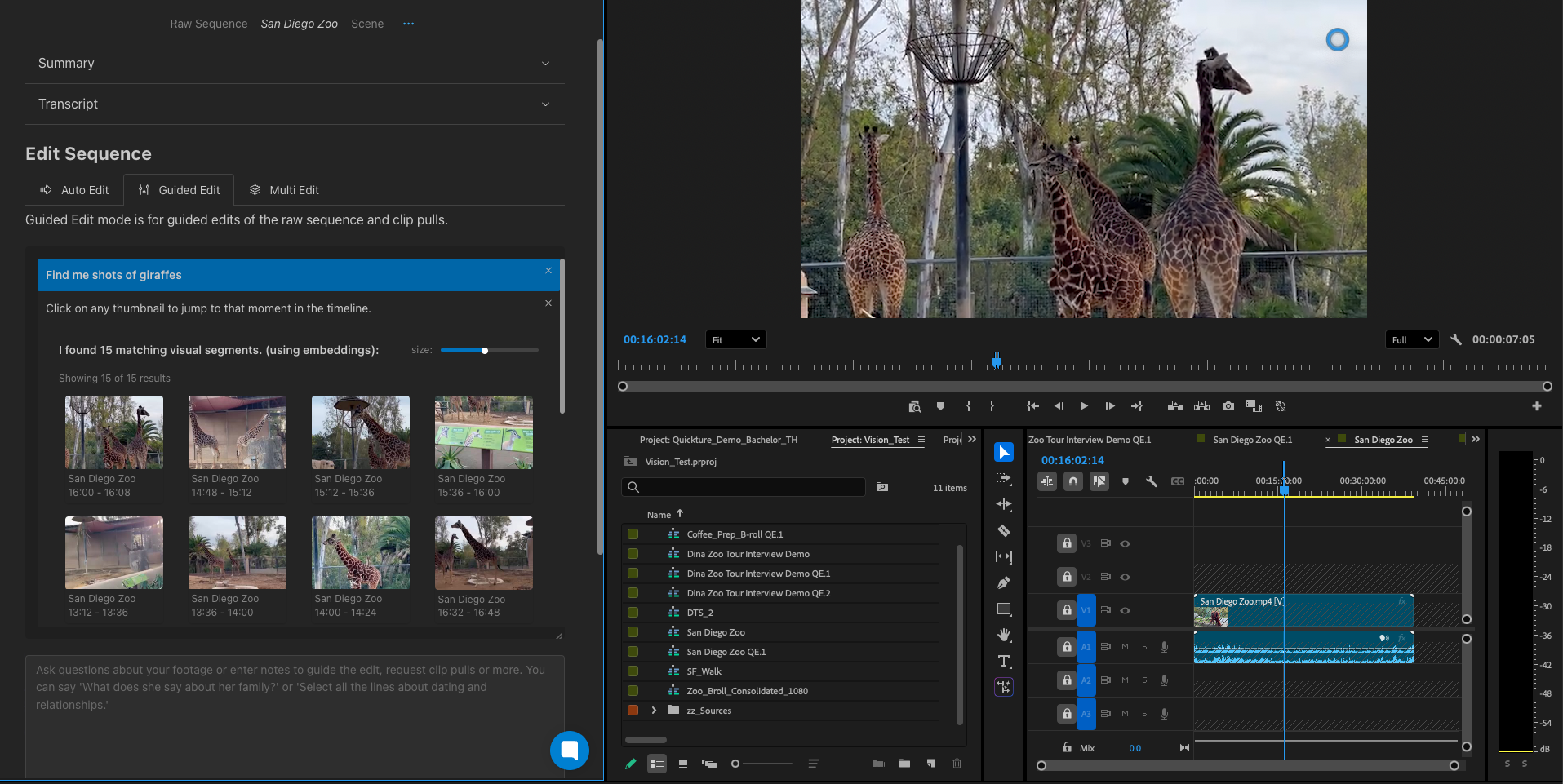
A few examples:
Visual Search gives you the ability to surface moments that normally require manual logging or hours of combing through footage.
🎥 Watch the Visual Search demo: https://www.youtube.com/watch?v=4PsZUNtARiE
By clicking the eyeball icon in the Transcript toolbar, you will now gain access to the Visual Transcript. Quickture Vision identifies and describes what appears in the scene, enriching your understanding of every moment.
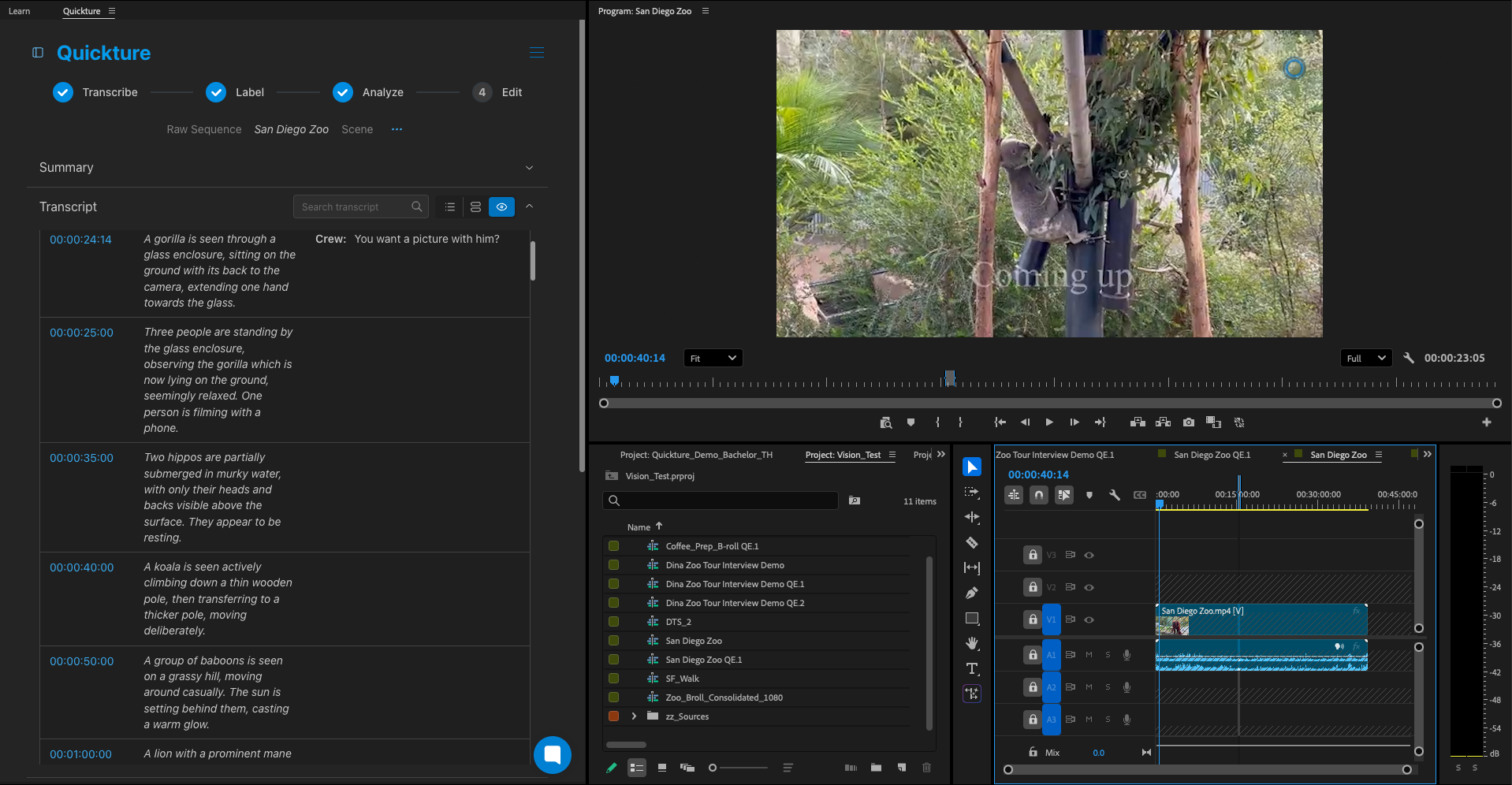
With the Visual Transcript you can:
Visual Transcription gives editors and story producers the full picture before they ever press play.
🎥 Watch the Visual Transcription demo: https://www.youtube.com/watch?v=s_ck2UWhPP8
Quickture Vision reduces the time it takes to find the right moments and gives teams a stronger starting point for creative work. With Visual Search and Visual Transcription available, editors can:
These tools remove friction in the workflow and give you back the time you need for creative decisions rather than mechanical searching.
Vision is now available inside Quickture. Existing customers will see Visual Search and Visual Transcription appear as new capabilities in their accounts.
Quickture Vision is the next step in our mission to support editors and storytellers with tools that understand footage the way humans do. This release is only the beginning, and we cannot wait to see what you create with it.
If you would like a walkthrough, want to onboard your team, or are exploring Quickture for the first time, our team is here to help. Shoot us an email at support@quickture.com.